

Chiosa
Turns lecture transcripts into a summary, notes, a timed index and review questions, on your own PC.
The problem
Who it's for
University students
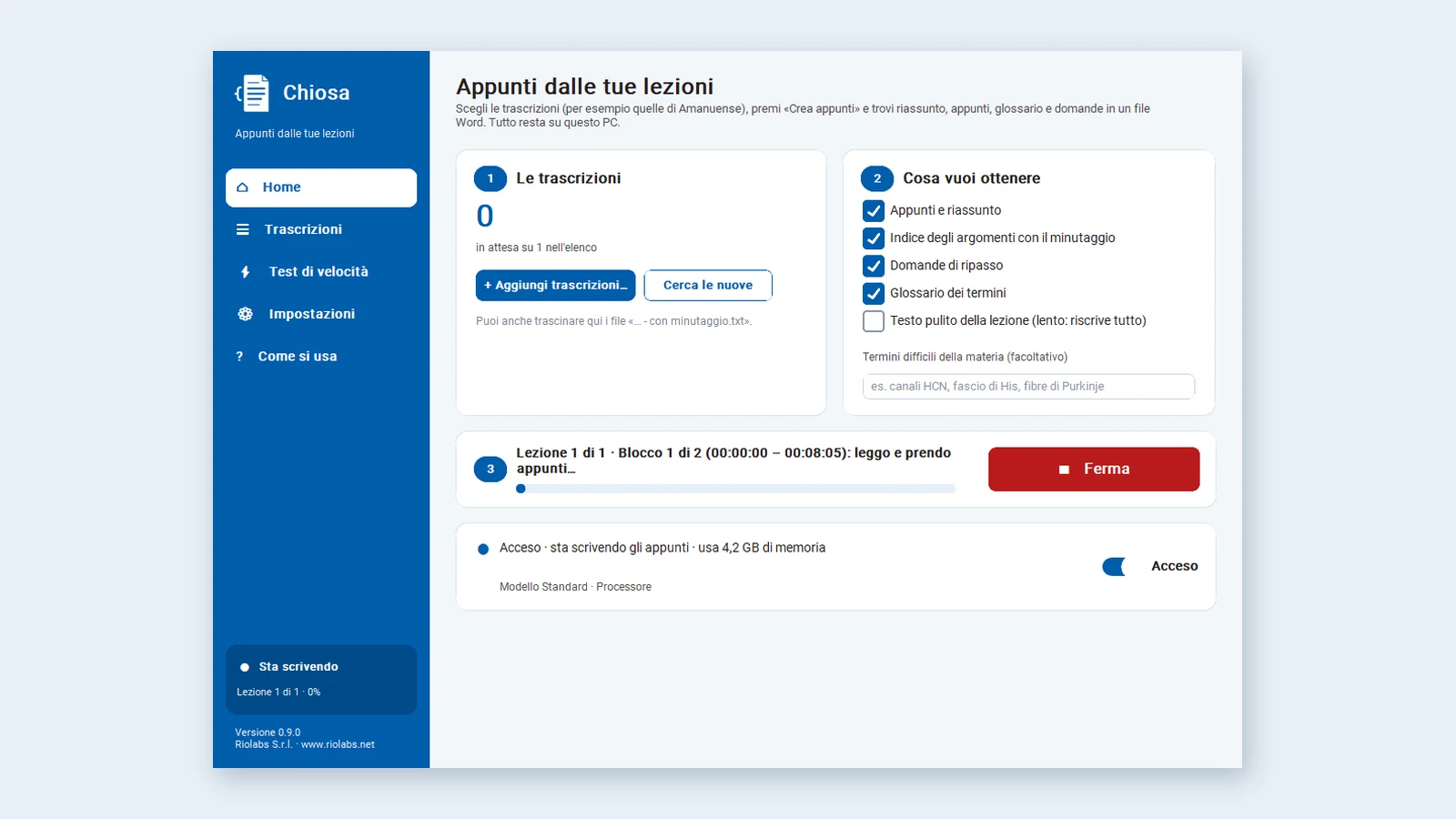
Every transcribed lecture becomes notes split by topic, a summary and questions to review.
Medical students
Type the course terms once: Chiosa uses them to spell correctly the acronyms and names that speech recognition mangles.
People who already use Amanuense
Chiosa reads Amanuense's timed transcripts, and in the notes every topic carries the minute of the recording.
People who want to keep lectures on their own PC
The model that writes the notes runs on the computer: after installation, no internet is needed.
What it does
Notes and summary
A timed index
Glossary and review questions
What the lecturer said about the exam
Checks before it hands over
On your PC, offline
How it works
Images
Technical details
- Technologies
- Python
- CustomTkinter
- OpenVINO GenAI
- Gemma 4
- Integrations
- Amanuense
- Microsoft Word
- Anki
- Where it runs
- On your PC, with 64-bit Windows 10 or 11. After installation it works with no internet connection.
- Data and security
Transcripts and notes stay on your PC: the model runs locally and the program sends no data to anyone.
How to get it
- Version
- 0.9.0
Download and install
Chiosa for Windows
EXEThe program: download a single file and double-click it.
Download: Chiosa for WindowsChiosa as a zip
ZIPThe same program, if you prefer to extract it and run Installa.cmd.
Download: Chiosa as a zipWhat you need
- 64-bit Windows 10 or 11
- 16 GB of RAM recommended: Chiosa uses about 8 while it works
- About 7 GB of free disk space
- Internet only to install it: the model is downloaded, about 6.5 GB
How to install it
Related
Other products related to this one, and the open source libraries that came out of it or that it uses.