

Amanuense
Transcribes Italian lecture recordings on your own PC, with no internet connection.
The problem
Who it's for
University students
From the lecture recording you get a text to reread, highlight and copy into your notes.
Medical students
With the course's difficult words, names of drugs, diseases and acronyms come out right more often.
People who want to keep lectures on their own PC
Recordings and texts never leave the computer: after installation, no internet is needed.
What it does
Texts ready to study
The course's difficult words
Several lectures in a queue
Engine on only when needed
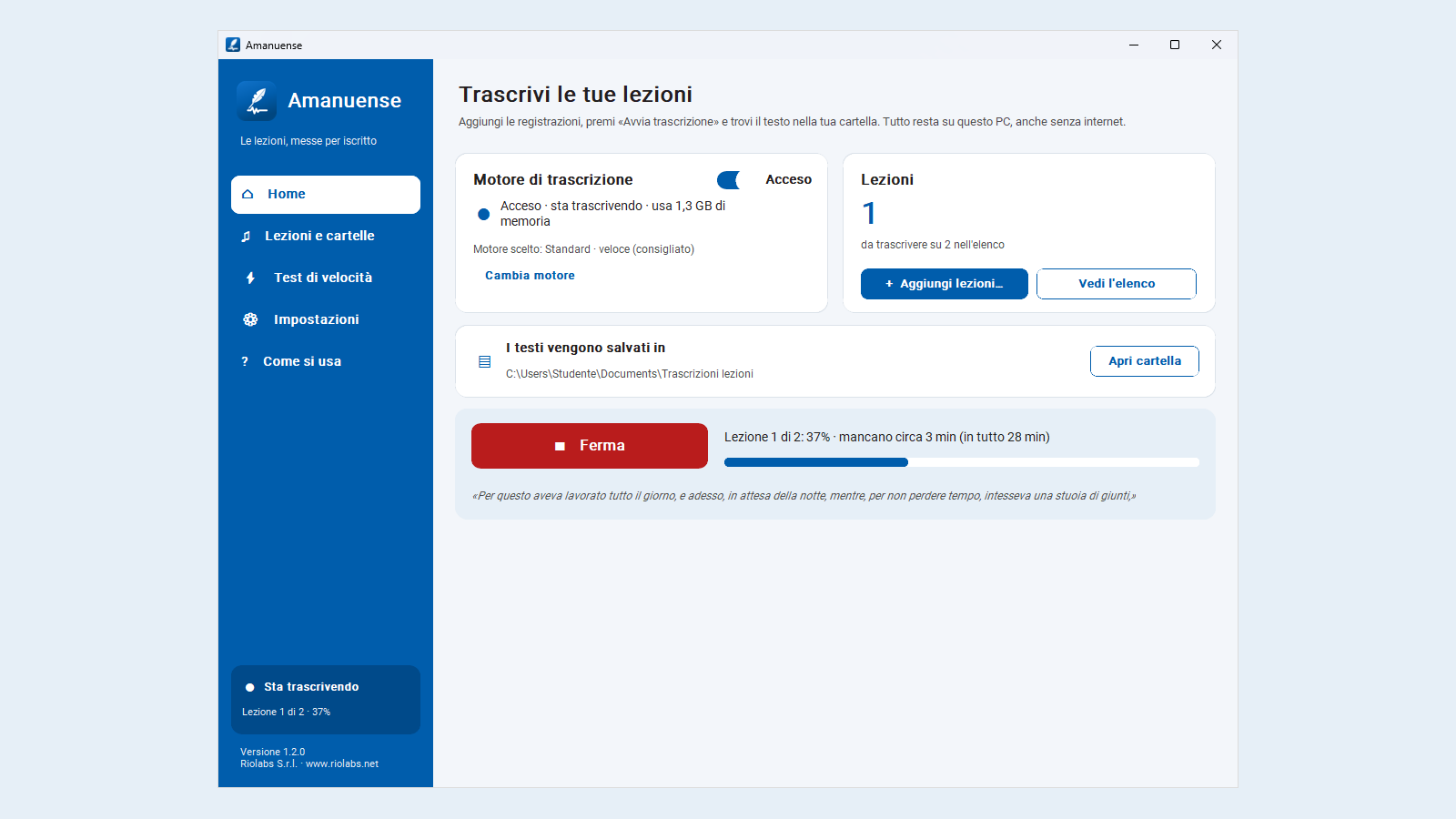
One window, then an icon
Intel engines, on trial
How it works
Images
Technical details
- Technologies
- Python
- faster-whisper
- CTranslate2
- OpenVINO
- CustomTkinter
- Ed25519
- Where it runs
- On your PC, with 64-bit Windows 10 or 11. After installation it works with no internet connection.
- Data and security
Recordings and texts stay on your PC and are never sent to anyone. The only internet connection is the update check, at start-up and once a day, which you can turn off in the Settings. Updates are signed, and Amanuense checks the signature before installing them.
Download and install
Amanuense for Windows
EXEThe program: download a single file and double-click it.
Download: Amanuense for WindowsAmanuense as a zip
ZIPThe same program, if you prefer to extract it and run Installa.cmd.
Download: Amanuense as a zipWhat you need
- 64-bit Windows 10 or 11
- At least 8 GB of RAM, 16 GB recommended
- About 8 GB of free disk space
- Internet only to install it: about 2.3 GB with the recommended model
How to install it
Related
Other products related to this one, and the open source libraries that came out of it or that it uses.